
AppsDoing Focus
Doing Focus
macOS app · Free
Intel & Apple Silicon

Doing Focus.

One task at a time.

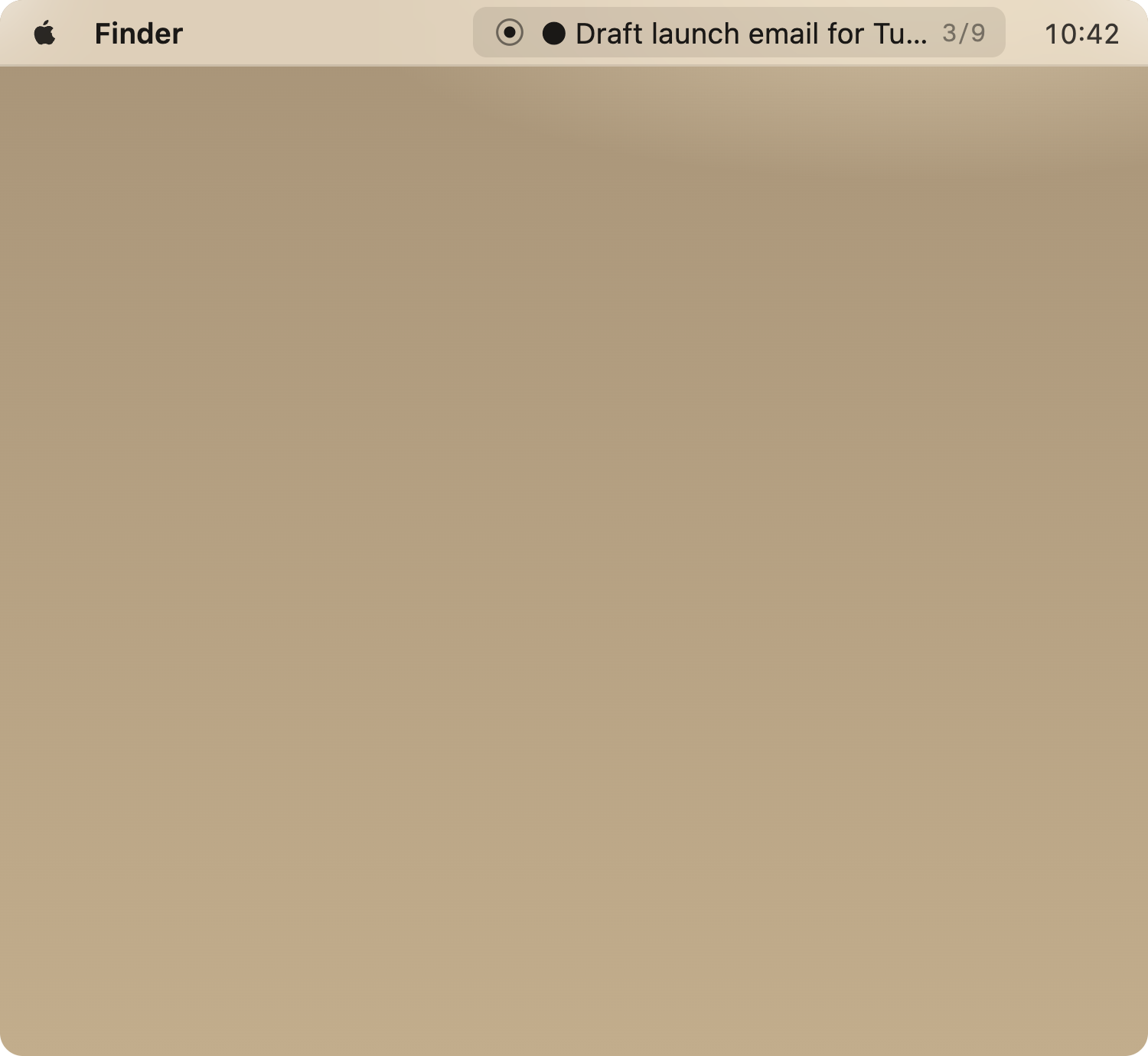
A macOS menu bar app for working through your day one task at a time. Paste your list, hit start, and the menu bar shows only the next thing. When you're done, the next one appears.
Doing Focus
Doing Focus menu bar showing current task
How it works

Paste a list.
Start doing.

01. Add your tasks

Paste or type one task per line. That's your stack for the day.

02. The menu bar shows the next one

Only the current task appears in your menu bar. Everything else is hidden until you need it.

03. Mark it done, move on

Click done (or use a keyboard shortcut). The next task slides in. Pause, skip, or take a break whenever you need to.

04. See your focus log

At the end of the stack you get a log of what you did, how long each task took, and your total focus time.

Why I built it

Task managers show you everything at once. That's the problem. Doing Focus sits in the menu bar and shows you one thing — the next task you need to do. No projects, no labels, no inbox. Just: what are you doing right now?

FAQ
Does it work on Windows or Linux?

Not yet. It's a native macOS app built with Electron. I might port it someday, but right now it's Mac only.

Apple Silicon or Intel?

Both. There's a separate download for each architecture. Pick the one that matches your Mac.

Does it sync anywhere?

No. Your tasks live locally on your Mac. Nothing leaves your machine. There's no account and nothing to sign up for.

Will it stay free?

Yes. Like Inbox Focus, it's small enough that giving it away costs me nothing.